Client administration
Use the client record for core identity, registrations, details, fees, engagement, deadlines, integrations and documents. Keep those facts current because downstream work relies on them.
Before work becomes active
Confirm the service and engagement position. Recurring tasks should be generated from the client/service data rather than manually recreated each period where automation is enabled.
Tasks and deadlines
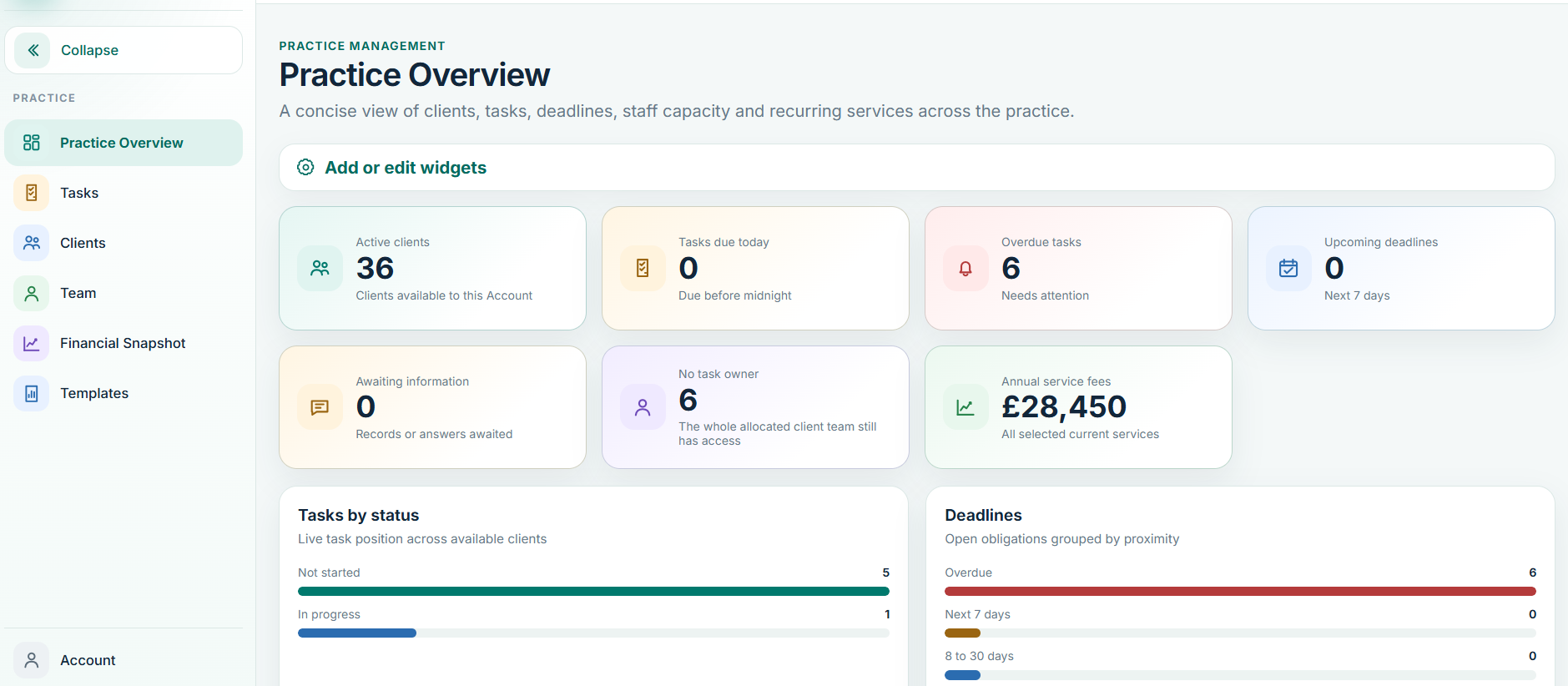
Use the tasks/deadlines view to understand what is due, who owns it and whether an obligation is complete. The intended automation model is simple: service/client data creates recurring work, reminders follow firm rules, reminders stop once the obligation is complete, and the next valid cycle rolls forward once.
Fees and commercial visibility
Fees and profitability are commercial information. They should be visible to roles authorised to see them, not universally exposed to every staff user.