Practical help for Balansix practice management, client administration, bookkeeping, VAT, year end, reports, final accounts, filing and client workflows. Search in plain accounting language. For bookkeeping, first confirm whether the client is Document-Led or Bank-Led.
The bookkeeping mode changes the primary evidence, posting route and VAT workflow. Choose it before following a bookkeeping tutorial.
Broad workflow guides sit alongside task-specific articles, so a search for “overpayment”, “first VAT period” or “iXBRL validation” lands on the exact workflow rather than a general product page.
Direct answers to the problems accountants are most likely to search for while completing live work.
Onboarding, client master data, people, tasks and commercial workflow.
Accounting Workspace, source records, ledgers, bank import, matching and reconciliation.
VAT setup and returns, opening data, controls and year-end schedules.
Core financial reports, drill-down and client-facing analysis.
Accounts Production, UK GAAP profiles, iXBRL and Companies House filing.
Client access, security, migration and fault finding.
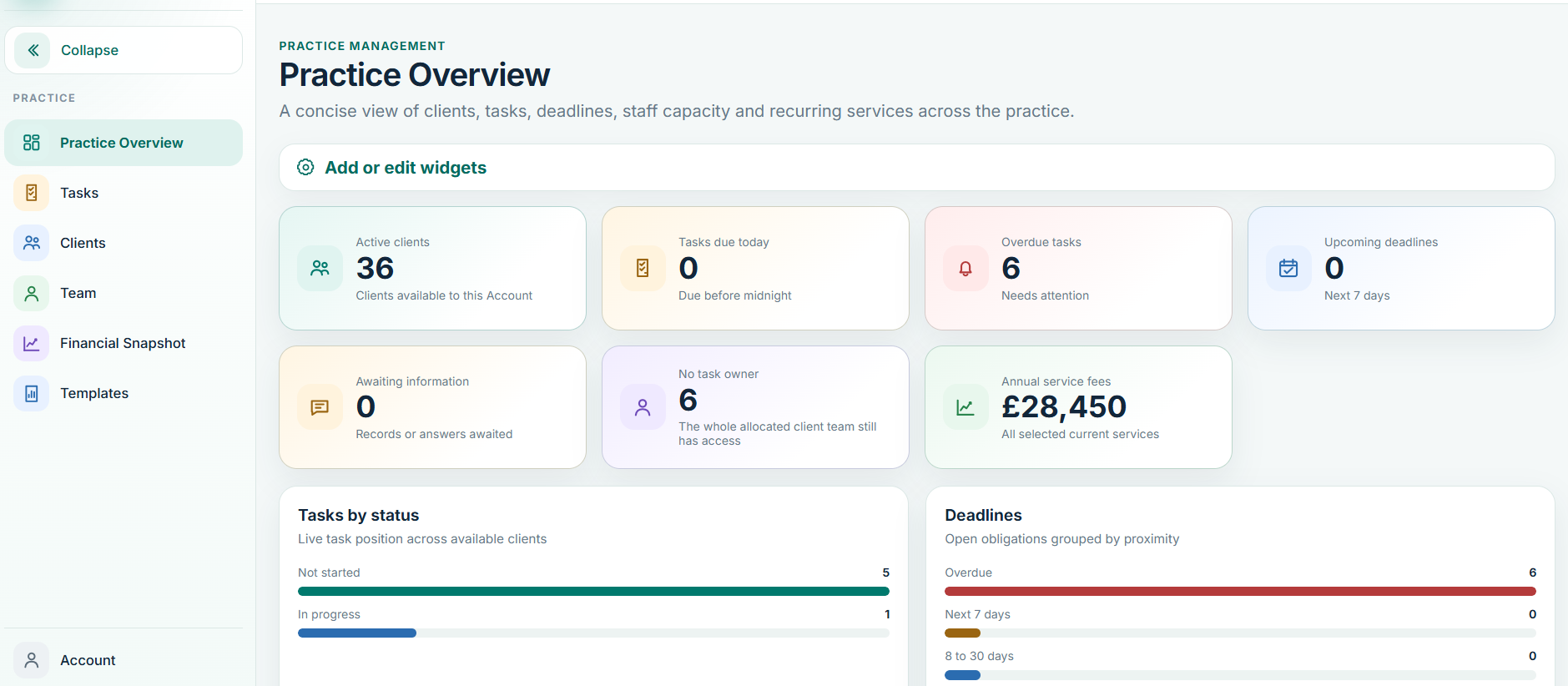
Articles use live Balansix screenshots where a current product screen is available, with concise steps and the exact control names used in the application.

If the Help Centre does not resolve the problem, include the client, module, period, bookkeeping mode where relevant, what you expected and what actually happened.
Balansix Support should not require your password, one-time authentication code or cloud access keys to investigate a normal product issue.
Search the Help Centre first. If the issue remains, contact Balansix Support with the client, module, period, what you expected and what happened.