Core financial reports
Use the Trial Balance as the complete nominal position. Use Profit & Loss for income/expense performance and the Balance Sheet for assets, liabilities and reserves. All three should be different views of the same posted ledger, not separately maintained numbers.
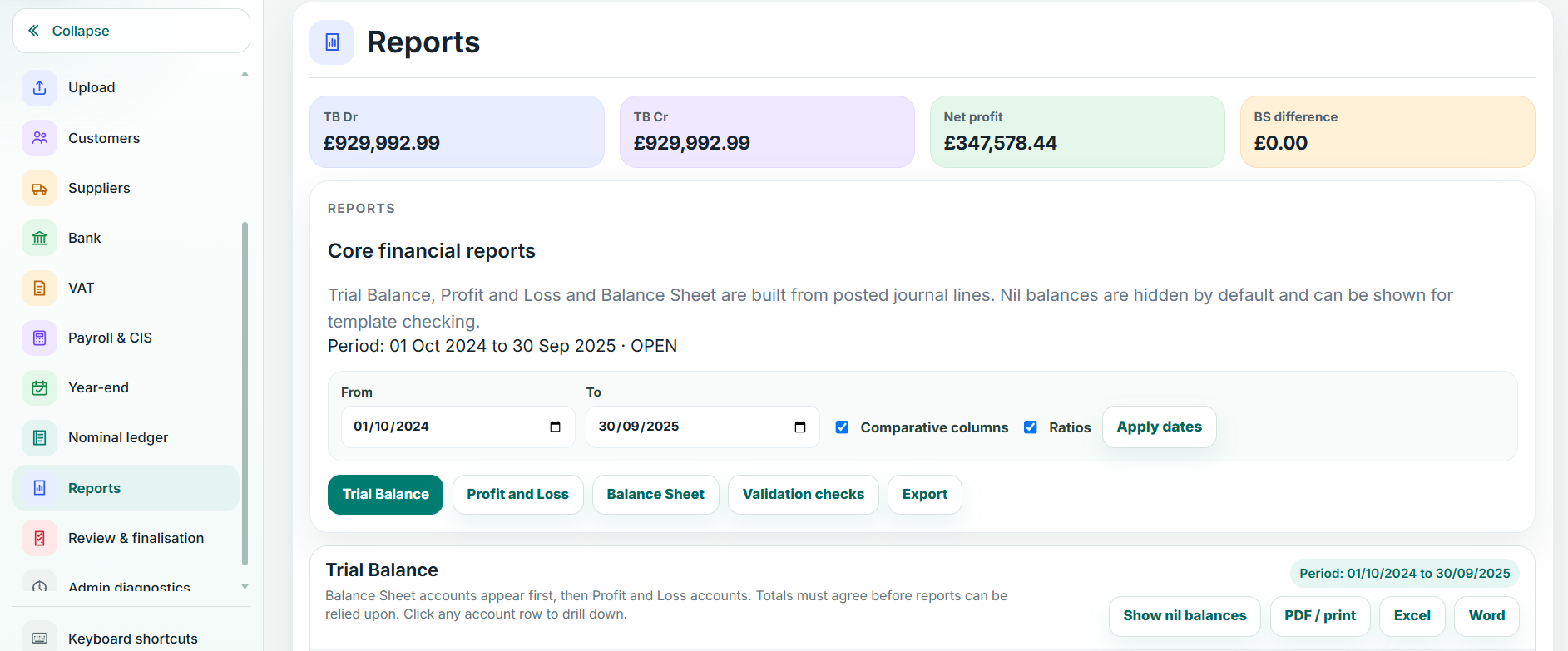
Comparatives, dates and nil balances
Apply the intended period/date range. Turn comparatives on where required. Hide nil balances for a cleaner review when that does not obscure a control account you are investigating.
Breakdown and drill-down
Select a report line to inspect the accounts and movements that make it up. Continue to the journal/source record where necessary. Use this route before posting a correcting journal so you know what actually created the balance.
Exports
Use report export when you need a working-paper or client-facing copy, but keep the Balansix report as the live source. If an exported file and on-screen report differ, confirm the same period, filters and comparative settings before treating it as a defect.