Use the same accounting source
The performance view should reflect the same posted ledger that feeds the core reports and accounts. If a KPI looks wrong, investigate the underlying report/ledger rather than editing the advisory output separately.
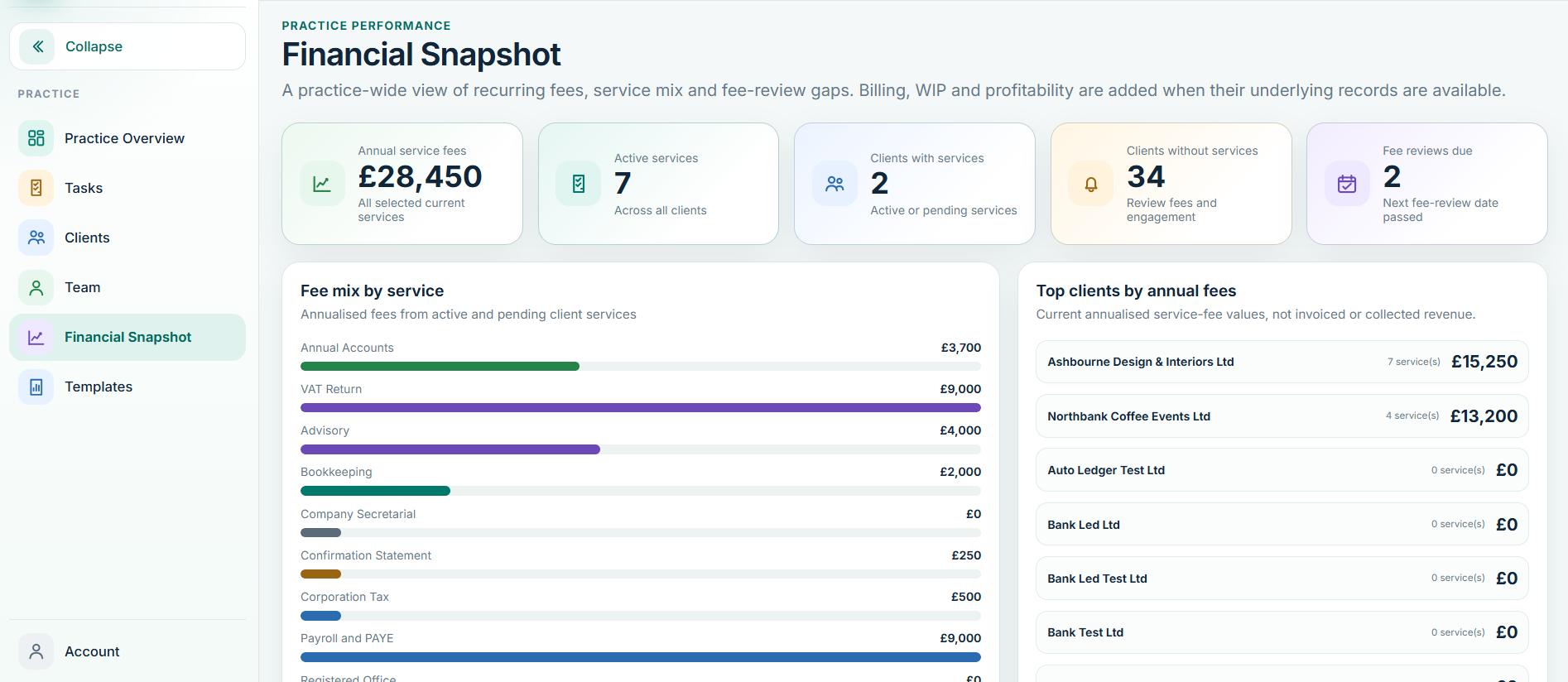
Read movements in context
Look for material changes in revenue, gross margin, overheads, cash, working capital and Balance Sheet positions. Ratios are prompts for review, not conclusions on their own.
Use it in the client conversation
Translate the movement into plain language: what changed, what may explain it, why it matters and what needs discussion next. Keep professional judgement with the accountant.
AI-supported explanation
Where AI Insight is used, treat it as an explanation layer over the controlled figures. Review the output before client use and do not allow generated text to become the accounting source.