Practice Management
What should a task tell you?Recurring workWaiting on the client vs waiting on the practiceReview deadlines efficiently
What should a task tell you?
A useful task has a client, service or work context, owner, due date and current status. The title should describe the output, not just the department. For example, “Prepare VAT return to 30 June” is more useful than “VAT”.
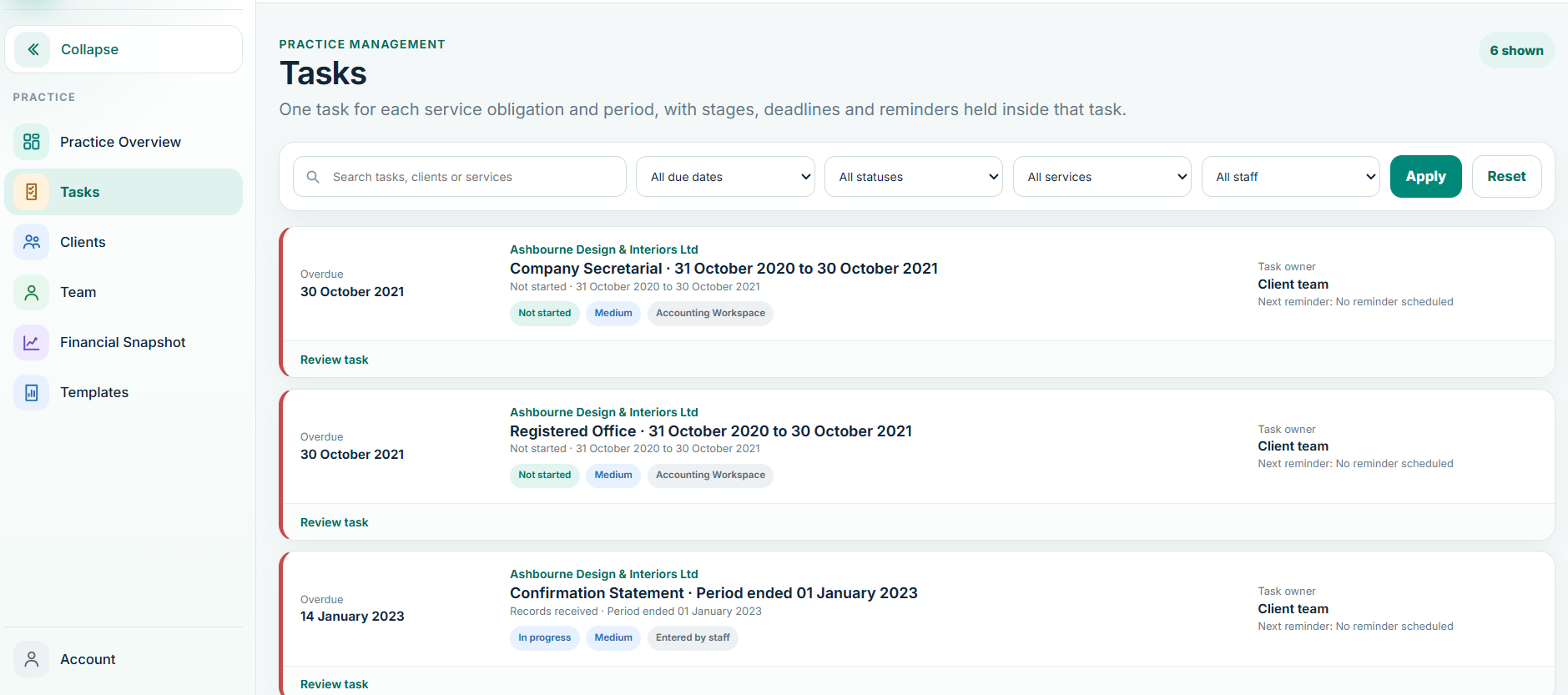
Recurring work
- Confirm the client service is active.
- Check the recurring task/deadline generated for the correct period.
- Assign or confirm the responsible staff member.
- Move the task through its real work status rather than marking it complete early.
- Complete it only when the required output or filing step is done.
Waiting on the client vs waiting on the practice
Use status and notes to distinguish work that is waiting for records or an answer from work that is internally outstanding. This keeps the practice dashboard meaningful and prevents the same client from being chased twice.
Review deadlines efficiently
Filter by due date, owner, client and status. Work oldest or highest-risk exceptions first. If a deadline appears wrong, correct the service or deadline source rather than creating a second task for the same obligation.